Best laptop for Revit Our Top 10 Picks for 2025
When buying the best laptop for Revit you should always look for a CPU with higher single core performance and a fast RAM with sufficient space. These two hardware specs will make the most significant impact on speed and performance of your Revit laptop. But other components are also important and you can t ignore them [ ]
When buying the best laptop for Revit you should always look for a CPU with higher single core performance and a fast RAM with sufficient space.
These two hardware specs will make the most significant impact on speed and performance of your Revit laptop.
But other components are also important and you can’t ignore them completely.
There should be a balanced approach when buying the best laptop for Revit or BIM modeling.
The reason is quite simple, if you go with a really high speed CPU but a slow SSD or maybe RAM then the CPU won’t get data fast enough to process keeping it idle most of the time.
This will negate all the advantages of a faster CPU, and it’s what we call a hardware bottleneck that you should avoid.
In this article I have shared all the hardware specs that you should consider when buying the laptop for Revit.
No matter if you are learning Revit or a professional working with Revit these recommendations will help you select your Revit laptop.
I have also shared 10 Revit laptops based on the hardware suggestions shared in this article.
You can jump directly to the list of laptops here.
Also, if you like the video version of this article, then here it is.
Processor
Revit is greatly dependent on single core performance so you will benefit more from higher clock speeds of a single core than from more cores in your processor.
But recently Revit is making more use of multiple cores with new releases of Revit software and with every new release, they are also planning to make more use of multiple cores.
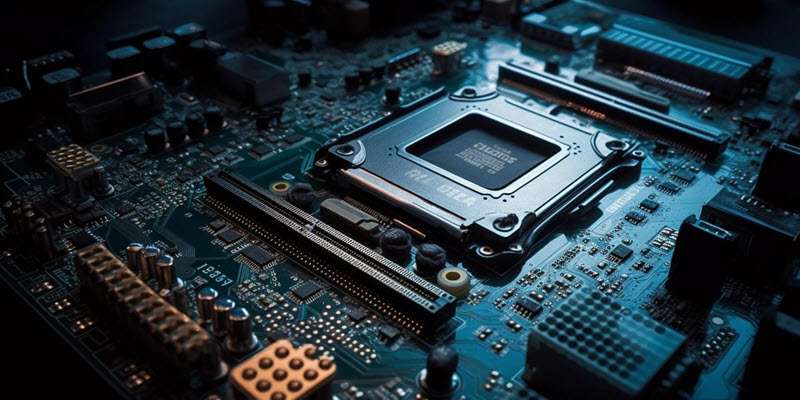
So, it’s recommended that you do consider a CPU with at least 8 core minimum.
Also go with a minimum of 3GHZ base clock speed for the processor and if it supports overclocking then great.
There are processes like opening model, rendering, creating exports that take advantage of multiple cores so it’s always good to have more cores.
More cores also help in keeping your other “Revit cores” free for task when working with several software as they can use other cores making room for Revit to perform better.
GPU (Graphics Card)
For rendering Revit still greatly depends on CPU but with the latest rendering engine update it has started making more use of GPU.
Tasks like 3D navigation, ray tracing, global illumination (which is a relatively new addition to Revit), and other display related things leverage GPU speed and memory.
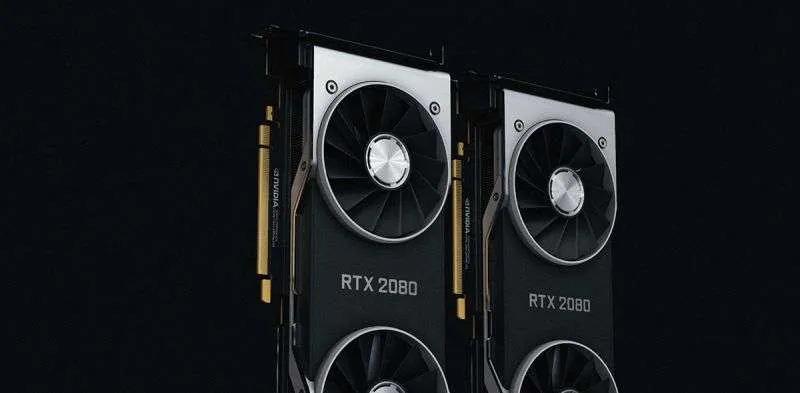
So, considering all of these facts its needless to say, you should stay away from integrated graphics cards and also stay away from the graphics cards not supporting DirectX.
In fact, in 2023 Revit has changed its hardware certification status favoring graphics cards that support the DirectX version, shader model version and GPU memory that support hardware acceleration for your Revit software.
So, to get the best performance from Revit I would also recommend that you keep hardware acceleration ON all the time.
This will help display larger models faster and switching views will be smooth as well.