32 Fusion 360 tips and tricks with PDF eBook
I have compiled a list of Fusion 360 tutorials, tips, tricks and shortcuts that I have collected over the years of using Fusion 360 and it’s all listed here. These tips are from sketch environment, part modelling, software features and sculpting workspace. Sketch Workspace All the tips here are related to creating and modifying sketches [ ]
I have compiled a list of Fusion 360 tutorials, tips, tricks and shortcuts that I have collected over the years of using Fusion 360 and it’s all listed here.
These tips are from sketch environment, part modelling, software features and sculpting workspace.
Sketch Workspace
All the tips here are related to creating and modifying sketches in the sketch workspace of Fusion 360.
Tip 1: Repeating the last command
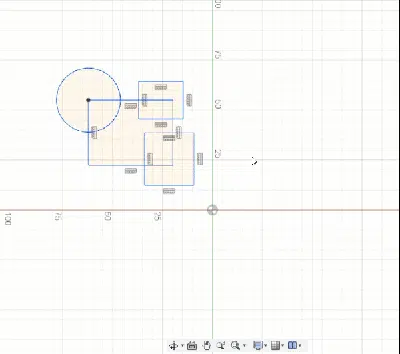
To repeat the last used command in Fusion 360 simply right-click hold your cursor and drag your mouse up as shown in the GIF image below.
Tip 2: Converting line into an arc
When making a line using the line command go to the endpoint of the line again when the command is active and hold down the left mouse button and move it outwards, it will now create an arc if the mouse click is pressed.
Let go of your mouse and click again to make a line.
Take the reference of the attached animated gif image for more.

Tip 3: Temporarily disable snapping
When making drawing in the sketch environment Fusion automatically snaps to nearby reference points.
If you want to temporarily disable the snapping to the nearest points, then press and hold the ctrl key and it will stop snapping to any point if ctrl is pressed.
Release ctrl to activate snapping again.