How to import coordinates from Excel to AutoCAD
If you are wondering how to import coordinates from Excel to AutoCAD (Easting, Northing Reduced Levels) then this article will help you do that using two different methods. In the first method, we will use only Excel to compile data and then we will simply import the data in AutoCAD. In the second method, [ ]
If you are wondering how to import coordinates from Excel to AutoCAD (Easting, Northing & Reduced Levels) then this article will help you do that using two different methods.
In the first method, we will use only Excel to compile data and then we will simply import the data in AutoCAD.
In the second method, we will transfer the data from Excel to a simple script file and then we will import the script file in AutoCAD to make the points.
The video version of this article is added below, if you prefer the article then read on.
Importing coordinates using Excel formula
As shown in this pic below, we have X, Y, and Z coordinates, otherwise Easting, Northing & Reduced levels of more than 10000 points in an Excel sheet.
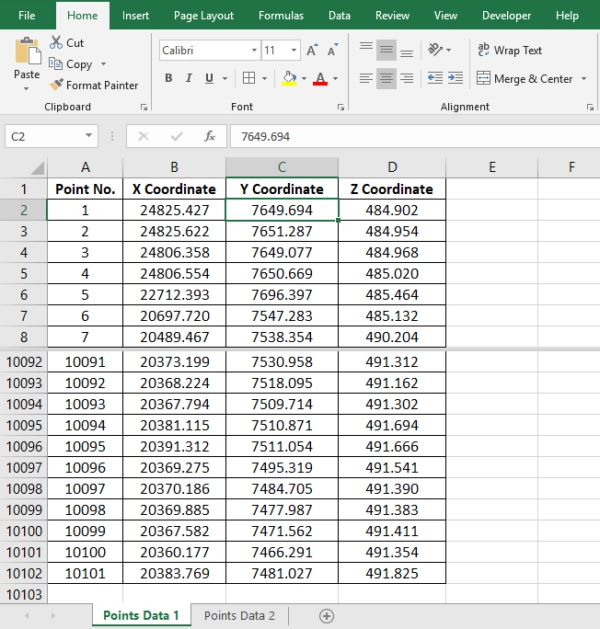
To create points using this data (to Export this data into an AutoCAD drawing), we have to convert this data into the language that AutoCAD can understand.